
How to Save Recipes From Pinterest (2026)
How to save Pinterest recipes as real recipes, not just pins. Pinterest boards vs a cookbook app, compared honestly, with step-by-step instructions.
By Malcolm Smith. Malcolm Smith is the co-founder of Aldenté. He compares each app’s App Store listing and website, tests Aldenté on his own iPhone, and cites third-party reviews where noted.
How we checked: The steps were checked in Aldenté's current iPhone app (version 1.21) on October 15, 2026.
Pinterest is where a lot of us fell in love with recipes. The board called "Dinner Ideas" from 2019. The one called "Someday" with 600 pins. The pins are pretty. The problem is what's behind them: a pin is a picture that links to a food blog, and the blog is a 3,000-word story, six pop-up ads, and a recipe at the very bottom.
Here's how to save the recipe, not just the picture.
The Short Answer
To save a Pinterest recipe as a real recipe, open the pin, tap Share, choose More to open the iPhone share sheet, and pick a recipe app like Aldenté. Aldenté follows the pin to the blog it links to and saves just the ingredients and steps, without the ads. If a pin doesn't link to a recipe page, you'll be asked to open the pin and share the original recipe link instead. Pinterest boards stay great for browsing ideas.
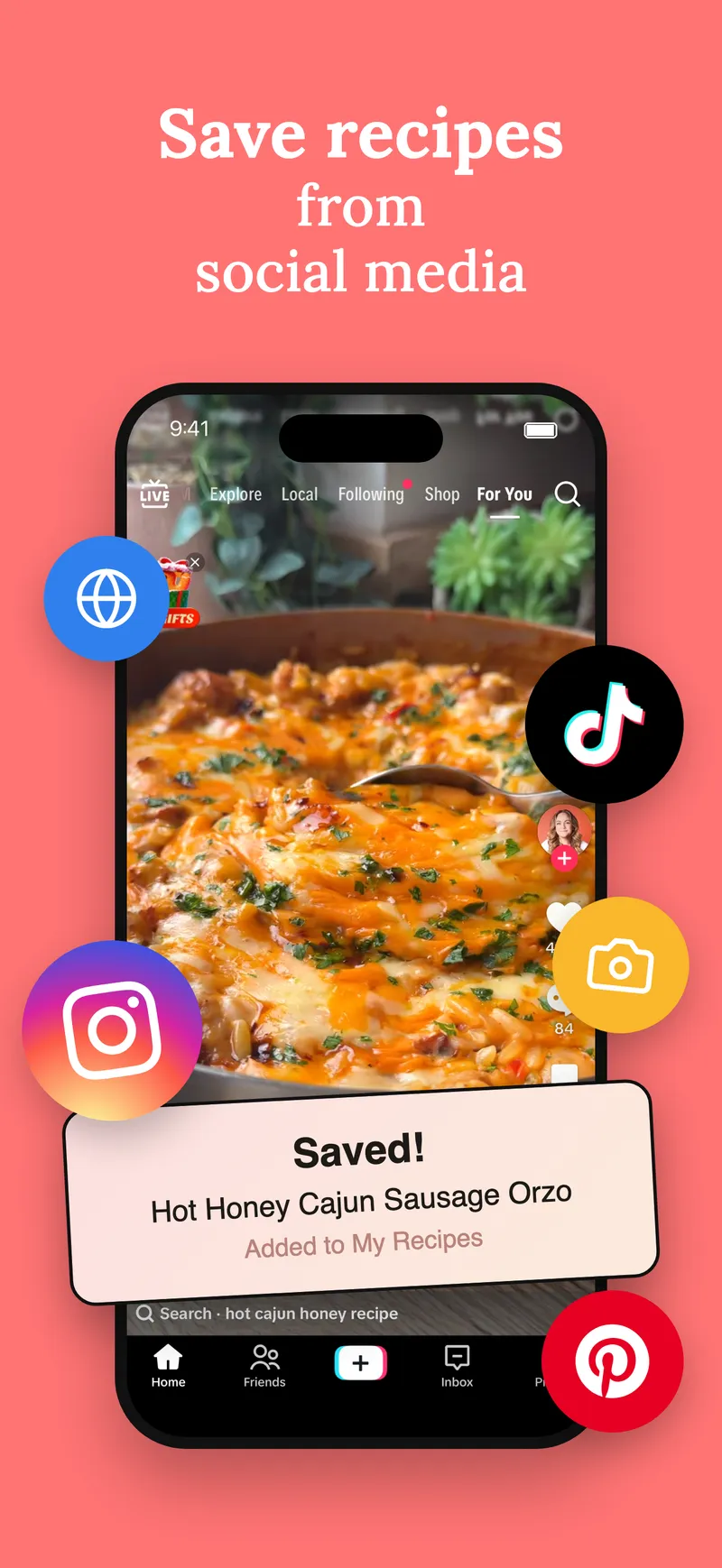
Pinterest Boards vs a Cookbook App
These are different tools for different jobs, and it helps to be honest about that.
Pinterest is for finding. Its search and its visual feed are some of the best ways to discover a dish you didn't know you wanted. Boards are a free, easy mood board. Nothing in a recipe app beats Pinterest at browsing.
A cookbook app is for cooking. It keeps the recipe text, so you can read ingredients at the stove, search what you saved by ingredient, build a grocery list, and keep the recipe even if the blog goes offline.
The best setup for most people uses both: browse on Pinterest, save the ones you'll actually make to a cookbook.
What Makes a Good Way to Save Pinterest Recipes
- It saves the recipe, not the pin. Ingredients and steps, without the blog's life story.
- It survives dead links. Food blogs move and close. A pin to a dead page is a pretty picture of nothing.
- You can find it by ingredient. "What can I make with spinach" should work.
- It's sorted the way you cook. Cookbooks with chapters beat one 600-pin board.
- It helps you cook it. A grocery list and a step-by-step cook view.
How to Save a Pinterest Recipe, Step by Step
These steps are for iPhone and iPad with Aldenté installed.
- Open the pin in the Pinterest app.
- Tap Share (the share icon on the pin).
- Tap More to open the iPhone share sheet.
- Tap Aldenté. If it's not there, scroll to the end of the app row, tap More, and turn Aldenté on. You only do this once.
- Check the recipe and pick a cookbook. Aldenté follows the pin to its source blog and pulls the recipe from there.
You can also tap Visit on the pin to open the blog, then share the page from Safari to Aldenté. That works for any recipe website, pin or not.
When a Pin Won't Save
Some pins don't link anywhere useful. It's usually one of these:
- The pin has no source link. It's just an image someone uploaded. Aldenté tells you so and asks you to find the original recipe link. A reverse image search or the pin's comments often turn it up.
- The recipe is written on the image. Take a screenshot and share it to Aldenté. It reads the text in the photo.
- The blog is gone. If the page no longer exists, there's nothing to pull. Save the ones you love now, while the links still work.
Ways to Keep Pinterest Recipes, Compared
| Method | Keeps the recipe text? | Search by ingredient | Cost | Best for |
|---|---|---|---|---|
| Pinterest boards | No, the pin and link | No | Free | Browsing and inspiration |
| Bookmarks in Safari | No, the page link | No | Free | A few blog favorites |
| Paprika 3 | Yes, from blogs | Yes | $4.99 once on iPhone | Blog recipes, pay once |
| ReciMe | Yes | Yes | Free plan limits social imports; Premium $5.99/mo or $49.99/yr | Android and web users |
| Aldenté | Yes | Yes | Free and unlimited saving | Pinterest, TikTok, and Instagram in one place |
Pinterest boards win at discovery, and they're free. Keep using them for that.
Paprika 3 is excellent here, honestly. Pinterest recipes are mostly food blogs, and pulling recipes from blogs is what Paprika has done well for a decade. If you only save from blogs and want to pay once, it's a fair pick. See Aldenté vs Paprika.
ReciMe handles blogs and social links and runs on Android and the web. Its free plan limits how many recipes you can import from social media; unlimited imports need Premium.
Aldenté saves from Pinterest, TikTok, Instagram, and any recipe website, free and unlimited, on iPhone and iPad. Then it helps you cook: grocery list, Cook Mode, and a chef to ask when you're out of an ingredient. It doesn't run on Android, and YouTube links don't import.
From Board to Book
Here's a nice side effect of moving your best pins into cookbooks: they become printable. Once the keepers are sorted, you can turn them into a printed cookbook for your own shelf or as a gift. And if you're setting up from scratch, our guide to building a digital cookbook for free walks through it. Saving from social too? See how to save recipes from TikTok and from Instagram.
Frequently Asked Questions
How do I save a recipe from Pinterest?
Open the pin, tap Share, tap More to open the iPhone share sheet, and choose a recipe app like Aldenté. Aldenté follows the pin to the blog it links to and saves the ingredients and steps. You can also tap Visit and share the blog page from Safari.
Why won't my Pinterest pin import into a recipe app?
Most often the pin has no link to a recipe page, or the blog it pointed to is gone. Aldenté tells you when a pin has no source link and asks you to share the original recipe page. If the recipe is written on the pin image, screenshot it and share the screenshot.
Is Pinterest good for organizing recipes?
Pinterest is great for finding recipes and saving ideas to boards. It's weaker for cooking: boards save pins and links, not recipe text, and you can't search your saves by ingredient. Many cooks browse on Pinterest and keep the recipes they'll make in a cookbook app.
Do Pinterest recipes disappear?
A pin only points to the original page. If the blog deletes the post or shuts down, the pin stops working. Saving the recipe text in an app keeps it even after the link dies.
Can I make a cookbook from my Pinterest recipes?
Yes. Save the pins you love into Aldenté, sort them into a cookbook with chapters, and you can order it as a printed book from $29 softcover or $39 hardcover. Books ship in about two weeks to the US, UK, Canada, Australia, and New Zealand.
Keep pinning. Then save the ones you'll actually cook, free and unlimited.
Ready to stop screenshotting recipes?
Save from TikTok, Instagram, and any website in one tap. See what your friends are cooking.
Get Aldenté free on iPhone