
How to Save Recipes From TikTok (2026)
How to save recipes from TikTok in a few taps, what gets pulled out of the video, and what to do when the recipe is only spoken, never written.
By Malcolm Smith. Malcolm Smith is the co-founder of Aldenté. He compares each app’s App Store listing and website, tests Aldenté on his own iPhone, and cites third-party reviews where noted.
How we checked: The steps were checked in Aldenté's current iPhone app (version 1.21) on October 15, 2026.
You double-tap. You hit the bookmark. You tell yourself you'll make it Sunday. Then Sunday comes, and the video is buried under 300 other saves, and you can't remember if it was the creator with the cast iron or the one with the cat.
Saving a TikTok recipe takes one second. Finding it again, and actually cooking it, is the hard part. This guide covers both.
The Short Answer
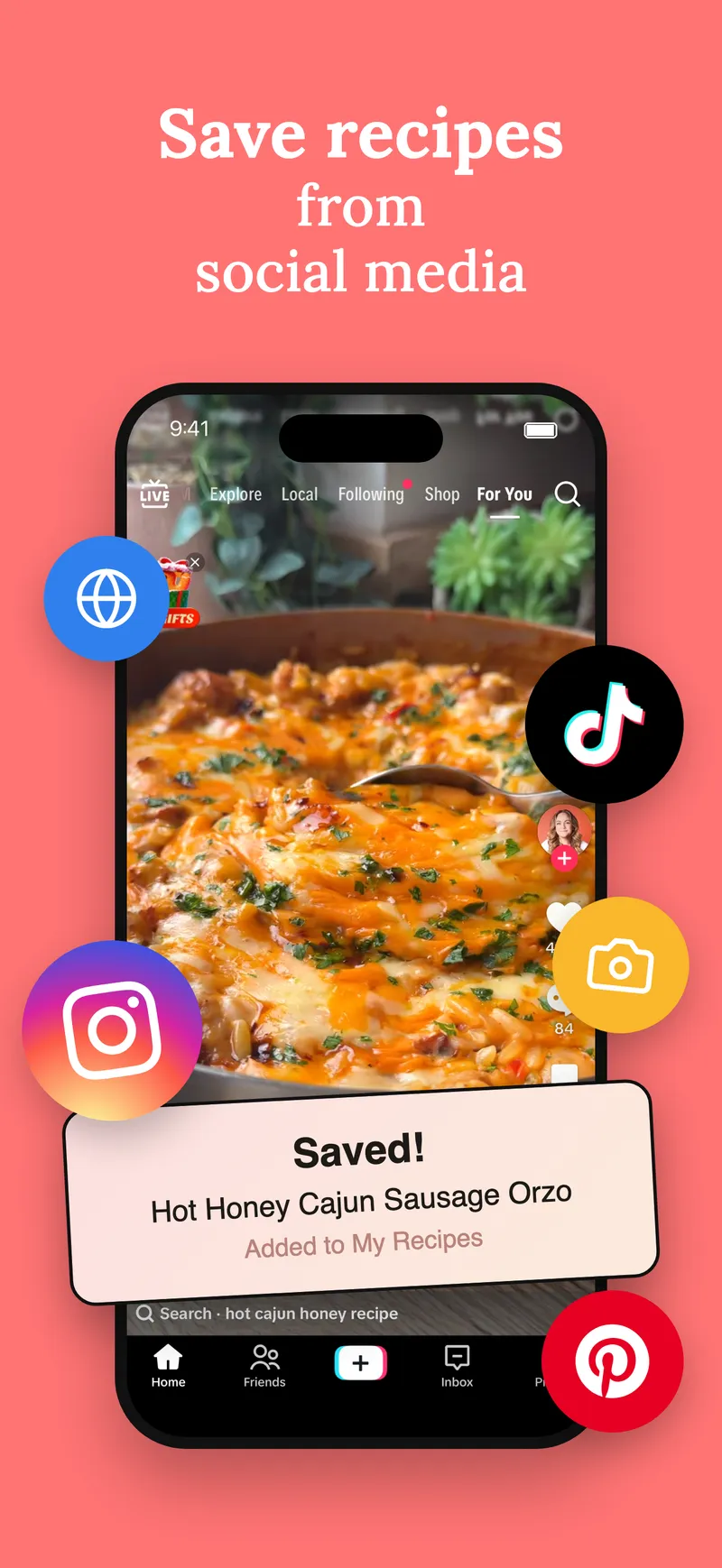
To save a recipe from TikTok, tap Share on the video, tap More (or scroll the share row to the iOS share sheet), and pick a recipe app like Aldenté. The app reads the video's caption, pulls out the ingredients and steps, and saves it as a clean recipe you can cook from. If the caption has no recipe, Aldenté looks for the creator's written recipe on the web. TikTok's own Favorites also work, but they save the video, not the recipe.
What Makes a Good Way to Save TikTok Recipes
Judge any method on these five things:
- It saves the recipe, not just the video. Can you read the ingredients without scrubbing through a 90-second clip with sound on?
- It works when the caption is thin. Many creators say the recipe out loud or put it on their blog. Know what your method does then.
- You can find it later. Search by dish or ingredient, and sort into cookbooks or folders.
- The free limit. Some apps cap free imports per week. Check before you build a library.
- It gets you cooking. A grocery list, a step-by-step cook view, and help when something goes sideways.
How to Save a TikTok Recipe, Step by Step
These steps are for iPhone and iPad with Aldenté installed.
- Open the video in TikTok. Any recipe video, from your For You page, Favorites, or a creator's profile.
- Tap the Share arrow on the right side of the screen.
- Open the iOS share sheet. In TikTok's share row, tap More (it may sit at the end of the row). This opens the standard iPhone share sheet.
- Tap Aldenté. If you don't see it, scroll the app row to the end, tap More, and turn Aldenté on. You only do this once.
- Check the recipe and pick a cookbook. Aldenté shows the recipe it found. Choose where it goes and save.
Prefer copying links? Tap Copy link in TikTok, open Aldenté, and paste it into Add a recipe. Same result.
What Gets Pulled Out of a TikTok Video
Here's how it actually works, because the details matter when a save fails.
- The caption is the source. Aldenté reads the text the creator wrote under the video. If the caption lists ingredients and steps, you get those, formatted.
- The audio is not read. If the creator only says the recipe out loud, there's nothing written to pull from. We'd rather tell you that than pretend.
- A "recipe on my blog" caption gets followed. If the caption points to a recipe link, Aldenté opens that page and pulls the full recipe from there.
- A dish name with no recipe triggers a search. If the caption names the dish but has no recipe, Aldenté searches the web for the creator's written version.
- Last resort: a starting recipe from the caption. If nothing turns up, Aldenté can build a starting-point recipe from the caption. Treat it as a draft and check it against the video.
What to Do When a TikTok Has No Written Recipe
This is the most common failure, in every app. Here's the order to try things:
- Check the creator's bio. "Recipe in bio" is common. If Aldenté sees that phrase, it tells you the recipe lives elsewhere and points you to the profile. Open the bio link and share that page instead.
- Check the pinned comment. Some creators paste the recipe in the comments. Copy it, and paste the text into Aldenté's Add a recipe screen.
- Screenshot the on-screen text. If the ingredients flash on screen, take screenshots and share up to five at once to Aldenté. It reads the text in the images.
- Talk it through. In Add a recipe you can tap the mic and say the recipe as you watch. You check it before it saves.
TikTok Recipe Saving Options, Compared
| Method | Saves the recipe text? | Find it later | Cost | Best for |
|---|---|---|---|---|
| TikTok Favorites + collections | No, the video only | Collections, no ingredient search | Free | Rewatching a technique |
| Screenshots | Only what was on screen | Camera roll search | Free | A quick grab |
| Apple Notes (paste the caption) | Yes, if you copy it | Notes search | Free | A handful of recipes |
| ReciMe | Yes | Folders, search | Free plan limits social imports; Premium $5.99/mo or $49.99/yr | iPhone and Android users |
| Paprika 3 | Mostly from blogs | Categories, search | $4.99 once on iPhone | Blog recipes, no subscription |
| Aldenté | Yes | Cookbooks, search | Free and unlimited saving | Saving a lot and actually cooking it |
TikTok Favorites deserves real credit. It's free, it's already in the app, and since you can sort favorites into collections, it's fine for a short list. The catch is you're saving a video. You'll be scrubbing through it at the stove with flour on your hands.
Screenshots and Notes cost nothing and work offline. They break down at scale: no ingredient search, no grocery list, and the step you need is always in the screenshot you didn't take. (We wrote a whole guide on what to do with the screenshots you already have.)
ReciMe is the biggest app in this space, with about 312,000 App Store ratings and a strong importer. It runs on Android and the web too, which Aldenté doesn't. Its free plan limits how many recipes you can import from social media; unlimited imports need Premium. We break it down in Aldenté vs ReciMe.
Paprika 3 is a respected pay-once app. It shines on food blogs; it was built before TikTok recipes were a thing, so social links are not its strength. See Aldenté vs Paprika.
Aldenté saves unlimited TikTok recipes free on iPhone and iPad, and then helps you cook them: a grocery list, Cook Mode, and a chef you can ask mid-recipe ("I'm out of shallots"). The honest catches: no Android, and YouTube links don't import.
Turn the Pile Into Dinner
Saving was never the goal. Cooking was. Once your TikToks live in one place, pick one this week, add it to your grocery list, and make it. Then do it again next week. Our guide on how to actually cook the recipes you save has a simple weekly routine for that.
For a wider look at the apps, see the best recipe apps for TikTok and Instagram.
Frequently Asked Questions
How do I save a recipe from TikTok?
Tap the Share arrow on the video, tap More to open the iPhone share sheet, and choose a recipe app like Aldenté. The app reads the caption and saves the ingredients and steps as a recipe. You can also copy the video link and paste it into the app.
Can an app get a recipe from a TikTok video if it's only spoken?
Not from the audio in Aldenté. It reads the caption, follows any recipe link in it, and searches the web for the creator's written recipe when the caption names the dish. If the recipe is only spoken, screenshot the on-screen text or talk it into Add a recipe yourself.
Where do TikTok favorites go?
They stay inside TikTok, under the Favorites tab on your profile, where you can group them into collections. They save the video, not the recipe text, so there's no ingredient search or grocery list. If the video is deleted, the favorite goes with it.
Is there a free app to save TikTok recipes with no limit?
Yes. Aldenté saves unlimited recipes from TikTok, Instagram, Pinterest, and recipe websites on its free plan, on iPhone and iPad. ReciMe's free plan limits how many recipes you can import from social media; unlimited imports need Premium.
Can I save TikTok recipes on Android?
Not with Aldenté. Is Aldenté on Android? No. Aldenté is iPhone and iPad only. On Android, ReciMe and Paprika are the main options for saving recipes from links.
Your TikTok saves deserve more than a bookmark you'll never open. Save them free, then cook one tonight.
Ready to stop screenshotting recipes?
Save from TikTok, Instagram, and any website in one tap. See what your friends are cooking.
Get Aldenté free on iPhone