
What to Do With Recipe Screenshots (2026)
Hundreds of recipe screenshots in your camera roll? Here's how to turn them into searchable recipes, including photos of cookbook pages and recipe cards.
By Malcolm Smith. Malcolm Smith is the co-founder of Aldenté. He compares each app’s App Store listing and website, tests Aldenté on his own iPhone, and cites third-party reviews where noted.
How we checked: The steps were checked in Aldenté's current iPhone app (version 1.21) on October 15, 2026.
Open your camera roll and search "recipe." Go ahead. If you're like most people who cook from their phone, you'll find dozens. A TikTok paused on the ingredient list. Half a blog post. A cookbook page from the library. A photo of your grandma's card for banana bread, a little blurry.
We call this the screenshot graveyard. Recipes go in. They don't come out. Here's how to get them out and onto the stove.
The Short Answer
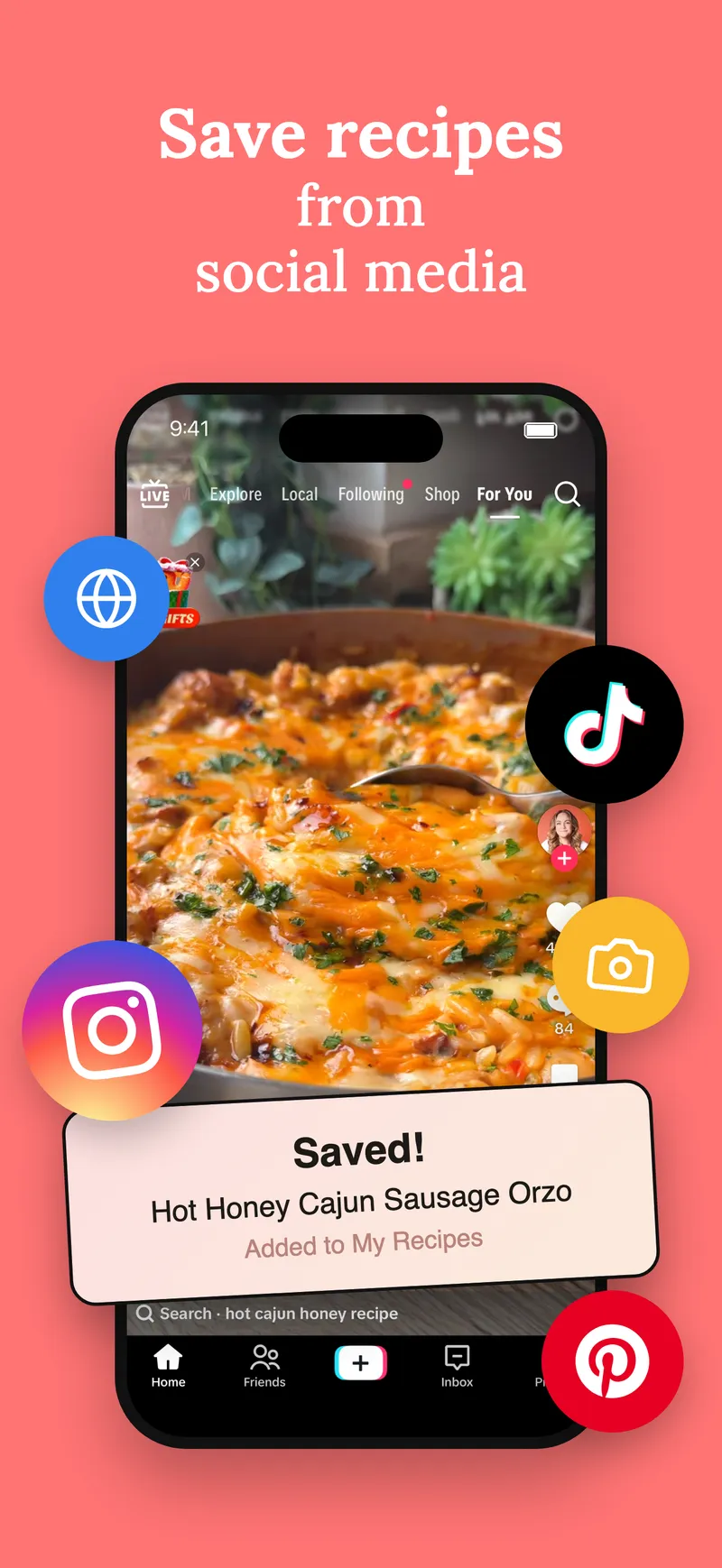
To organize recipe screenshots, share them from your Photos app to a recipe app that reads text in images, like Aldenté. It turns each screenshot into a real recipe with ingredients and steps you can search, scale, and add to a grocery list. You can share up to five screenshots at once, so a recipe split across several shots comes in as one. Photos of printed cookbook pages and recipe cards work the same way.
Why Screenshots Don't Work as a Recipe System
Screenshots feel like saving. They aren't, really:
- You can't search them by ingredient. "What can I make with this chicken" returns nothing.
- They're split. The ingredients are in one shot, step 4 is in another, and step 5 never got captured.
- They're mixed in with everything. Recipes sit between concert videos and parking-spot photos.
- They don't do anything. No grocery list, no scaling, no timer.
The fix isn't to stop screenshotting forever. It's to have somewhere for the screenshots to go.
Before You Import: A Quick Purge
Don't import everything. Scroll the "recipe" search results and be honest. The 37-ingredient beef Wellington from two years ago? Delete it. The shot where half the ingredients are cut off and you don't remember the source? Gone. Keep the ones you can picture yourself cooking. It goes fast in front of the TV, and every screenshot you cut is one less to import.
What Makes a Good Home for Recipe Screenshots
- It reads text from images. Typing out 80 recipes isn't a plan.
- It joins multi-shot recipes. Ingredients in shot one and steps in shot two should become one recipe.
- You can check it before it saves. Text from photos is never perfect. You want a review step.
- It's searchable. By dish, by ingredient.
- It works for paper, too. Cookbook pages and family recipe cards are screenshots' older cousins.
How to Turn Screenshots Into Recipes, Step by Step
These steps are for iPhone and iPad with Aldenté installed.
- Make a "Recipes" album in Photos (optional, but it helps). Search "recipe" in Photos and add what you find.
- Pick the shots for one recipe. Tap Select and choose up to five screenshots that belong together.
- Tap Share and choose Aldenté in the share sheet.
- Check the recipe. Aldenté reads the text in the images and shows you the recipe it built. Fix anything it got wrong.
- Save it to a cookbook. Then do the next one. Five a night clears a big backlog in a couple of weeks.
You can also start inside the app: open Add a recipe, tap the plus, and choose photos or the camera. You'll check the recipe before it's saved.
Cookbook Pages and Handwritten Recipe Cards
The same flow works on paper. Take a photo of a cookbook page or a recipe card, then share it to Aldenté or add it from the camera in Add a recipe.
A few honest tips:
- Clear, flat, well-lit photos read best. Shoot straight down, in daylight, without your shadow on the page.
- Neat handwriting reads well; faded cursive can trip it up. Always check the result against the card. You review it before it saves, so fixing a line takes a second.
- Keep the original photo. For a family card, the handwriting is part of what makes it special. Save the photo too.
If you're gathering family cards for a project, our guide to turning saved recipes into a cookbook covers collecting them from relatives.
Ways to Handle Recipe Screenshots, Compared
| Method | Searchable by ingredient | Joins multi-shot recipes | Cost | Best for |
|---|---|---|---|---|
| Leave them in Photos | Partly (Photos can find text) | No | Free | Doing nothing, honestly |
| A Photos album | Partly | No | Free | A quick first sort |
| Apple Notes (paste the photos) | Partly | By hand | Free | A few favorites |
| Paprika 3 | Yes, after you type or clip it | By hand | One-time: $4.99 on iPhone | Blog-first cooks |
| ReciMe | Yes | Check before relying on it | Free plan limits social imports; Premium $5.99/mo or $49.99/yr | Android users |
| Aldenté | Yes | Yes, up to 5 images per recipe | Free and unlimited saving | Clearing a big backlog |
Apple Photos deserves credit: on recent iPhones it can search text inside images, so typing "flour" may find your baking shots. It's free and already there. What it can't do is turn them into recipes you can scale, shop for, or cook step by step.
Apple Notes is a fine holding pen for a handful of recipes, and it syncs everywhere you use your Apple account. Typing the title, ingredients, and basic steps into a note makes them searchable, but it takes effort every single time.
Browser bookmarks work for recipes from websites: save the link instead of screenshotting the page. They don't help with TikTok or Instagram, and a deleted blog post leaves you with a dead link.
ReciMe and Paprika are both strong recipe apps; check how each handles photo imports for your kind of screenshots before you commit a backlog to it. Our recipe organizer comparison covers both.
Aldenté reads screenshots and photos, joins up to five shots into one recipe, and saves it free with no cap. Then it gets you cooking: grocery list, Cook Mode, and a chef to ask mid-recipe. It's iPhone and iPad only.
Now Actually Cook Them
Saving takes one second. Cooking takes picking, shopping, and 40 minutes you may not have. That gap is why the pile grows and the cooking doesn't. A small routine closes it. (For the full weekly version, see how to actually cook the recipes you save.)
1. Sort by when you'd cook it, not how good it looked
Once your screenshots are recipes, sort them into three or four cookbooks named for when you'd use them:
- Tonight: you have most of the ingredients, it's under 45 minutes, no special technique.
- Weekend: needs a grocery run or an hour.
- Someday: the 14-hour brisket. Fine to keep. Just label it honestly.
Anything you don't remember saving, delete.
2. Cook four a week, not forty
Don't try to clear the backlog by cooking. Pick four recipes from "Tonight" for the week and add their ingredients to your grocery list (free in Aldenté). The other nights are leftovers, eggs, or takeout. Four is doable. Ten isn't.
If you want the week built for you, Premium includes meal plan generation, and free accounts get one plan to try. More in our meal planning guide.
3. Repeat the winner
Out of four, one is usually a keeper. Cook it again next week. The first time a recipe is a project. By the third time it's yours, adjusted to your taste. Most good home cooks make about 30 things really well, not 200 things once.
You don't need to clear 400 screenshots this weekend. Pick the five you actually want to cook. Save those. Cook one this week. That's how the pile shrinks: not by being tidier, by being cooked.
Frequently Asked Questions
How do I organize recipe screenshots on my iPhone?
Share them from Photos to a recipe app that reads text in images, like Aldenté. It turns each screenshot into a recipe with ingredients and steps you can search and sort into cookbooks. You can select up to five screenshots of the same recipe and share them together.
Can an app read recipes from photos of handwritten cards?
Aldenté reads text in photos, including recipe cards and cookbook pages, and shows you the recipe before saving so you can fix anything it misread. Neat handwriting and flat, well-lit photos work best. Faded cursive may need a few corrections.
Can I turn a recipe split across several screenshots into one recipe?
Yes. In Aldenté, select up to five screenshots of the same recipe in Photos and share them at once. It combines them into a single recipe.
Is there a free app to save recipe screenshots?
Aldenté saves unlimited recipes free on iPhone and iPad, including recipes from screenshots and photos. Apple Photos and Notes are free too, but they keep the image rather than turning it into a recipe you can shop for or scale.
Should I delete my recipe screenshots after importing them?
That's up to you. Once a recipe is saved in an app, the screenshot is a backup. For family recipe cards, keep the original photo, since the handwriting is part of the memory.
Turn the camera-roll graveyard into dinners. Saving is free and unlimited.
Ready to stop screenshotting recipes?
Save from TikTok, Instagram, and any website in one tap. See what your friends are cooking.
Get Aldenté free on iPhone