
How to Save Recipes From Instagram (2026)
How to save recipes from Instagram Reels and posts, what happens when the recipe is in the bio, and Saved collections vs a recipe app, compared.
By Malcolm Smith. Malcolm Smith is the co-founder of Aldenté. He compares each app’s App Store listing and website, tests Aldenté on his own iPhone, and cites third-party reviews where noted.
How we checked: The steps were checked in Aldenté's current iPhone app (version 1.21) on October 15, 2026.
Instagram's Saved tab is where good recipes go to be forgotten. You tap the bookmark on a Reel, file it under "Food," and never see it again. When you finally go looking, it's 400 posts deep and half of them say "recipe in bio."
Here's how to get recipes out of Instagram and into a place you'll actually cook from.
The Short Answer
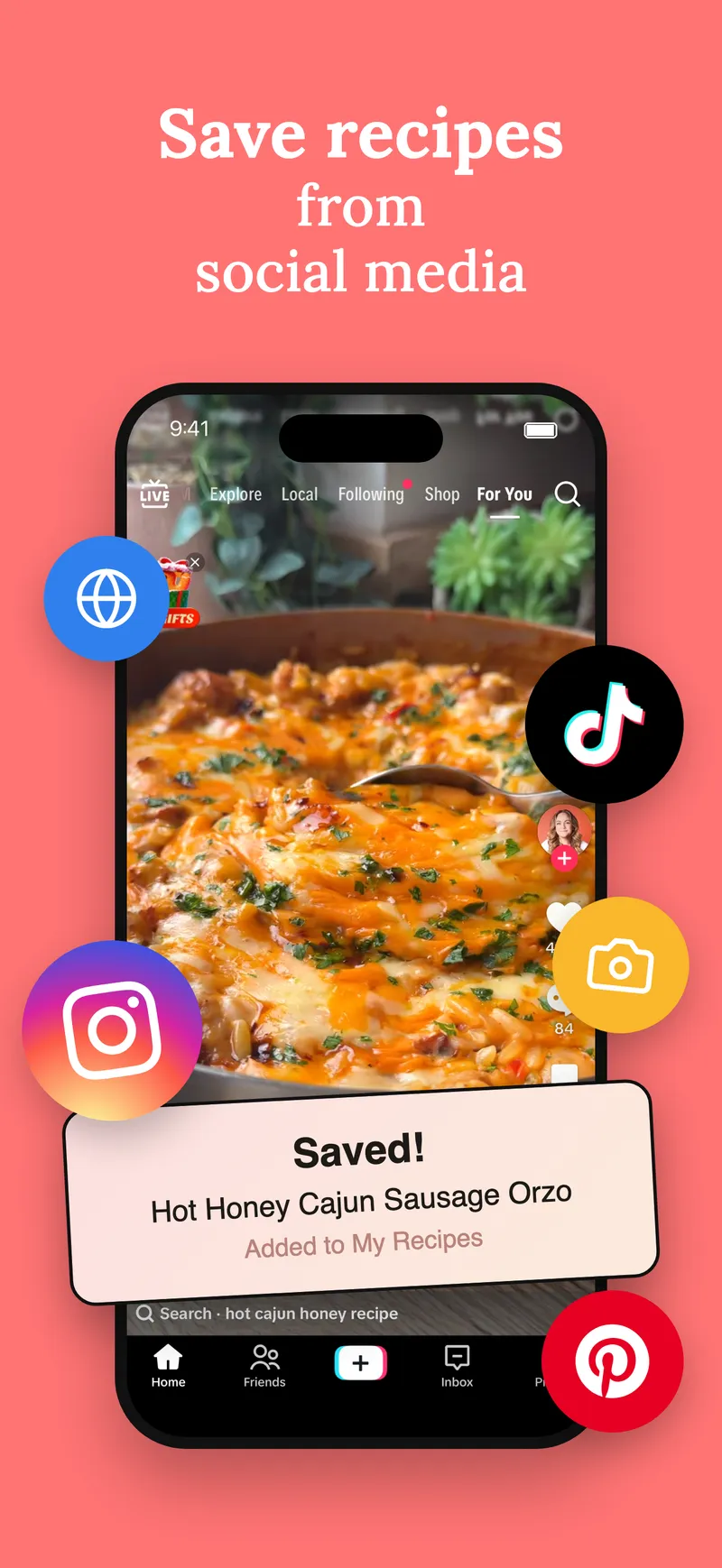
To save a recipe from Instagram, tap the Share (paper plane) icon on the Reel or post, choose Share to or More to open the iPhone share sheet, and pick a recipe app like Aldenté. The app reads the caption and saves the ingredients and steps as a real recipe. If the recipe lives on the creator's blog, Aldenté follows the link. Instagram's own Saved collections also work, but they keep the post, not the recipe.
What Makes a Good Way to Save Instagram Recipes
- It captures the recipe text. Not just a link to a post that might be deleted or archived.
- It handles "recipe in bio." This is the most common Instagram dead end. Know what happens.
- It handles carousels. Some recipes are written on the slides, not the caption.
- You can search it. By dish, by ingredient, by what's in your fridge.
- It helps you cook. A grocery list and a step-by-step view beat pausing a Reel with greasy fingers.
How to Save an Instagram Recipe, Step by Step
These steps are for iPhone and iPad with Aldenté installed.
- Open the Reel or post in Instagram.
- Tap the Share icon (the paper plane).
- Open the iPhone share sheet. Scroll the bottom row and tap Share to or More, depending on your Instagram version.
- Tap Aldenté. If it's missing, scroll to the end of the app row, tap More, and turn Aldenté on. One time only.
- Check the recipe and pick a cookbook. Save it, and it's there with everything else you've saved.
You can also tap Copy link in Instagram and paste it into Aldenté's Add a recipe screen.
What Gets Pulled Out of an Instagram Post
- The caption comes first. If the creator wrote ingredients and steps in the caption, you get them, formatted.
- Recipe links get followed. If the caption points to a blog, Aldenté opens it and pulls the full recipe.
- "Recipe in bio" gets flagged. When the caption says the recipe is in the bio, Aldenté tells you it lives elsewhere and points you to the creator's profile, so you can share the real recipe page.
- A named dish triggers a search. If the caption names the dish but skips the recipe, Aldenté searches the web for the creator's written version. If that fails too, it can build a starting-point recipe from the caption, which you should check against the Reel.
- The audio and video aren't read. A recipe that's only spoken is not captured.
When the Recipe Is on the Slides or in the Bio
On carousel slides: screenshot the slides with the recipe and share up to five images at once to Aldenté. It reads the text in the photos.
In the bio: tap the creator's link in bio, find the recipe page, and share that page to Aldenté from Safari.
In the comments: copy the text, open Add a recipe in Aldenté, and paste it in. You check the result before it saves.
Instagram Recipe Saving Options, Compared
| Method | Saves the recipe text? | Find it later | Cost | Best for |
|---|---|---|---|---|
| Instagram Saved + collections | No, the post only | Collections, no ingredient search | Free | Inspiration you'll browse |
| Screenshots | Only what was on screen | Camera roll | Free | Carousel recipes, fast |
| Apple Notes | Yes, if you copy the caption | Notes search | Free | A few favorites |
| ReciMe | Yes | Folders, search | Free plan limits social imports; Premium $5.99/mo or $49.99/yr | Android and web users |
| Paprika 3 | Best from blogs | Categories, search | $4.99 once on iPhone | Blog recipes, pay once |
| Aldenté | Yes | Cookbooks, search | Free and unlimited saving | Saving a lot and cooking it |
Instagram Saved collections are genuinely good for mood-board browsing. They're free, they're built in, and you can make a collection per cuisine. The catch: if the creator deletes or archives the post, your save is gone, and there's no way to search "chicken thighs" across them.
ReciMe is a strong importer with about 312,000 App Store ratings, and it runs on Android and the web. Its free plan limits how many recipes you can import from social media; unlimited imports need Premium. More in Aldenté vs ReciMe.
Paprika 3 is the pay-once veteran. Great for blogs; less built for Reels.
Aldenté saves unlimited Instagram recipes free on iPhone and iPad. Then it helps you cook them, with a grocery list, Cook Mode, and a chef you can ask mid-recipe. The friends feed shows what the people you follow are actually making. The catches: iPhone and iPad only, and no YouTube import.
After You Save It
The point of saving a Reel is to eat it. Put this week's pick on your grocery list. Cook it. If it's a keeper, it goes in the cookbook, and someday into a printed book.
Saving from TikTok too? Here's how to save recipes from TikTok. For the full app roundup, see the best recipe apps for TikTok and Instagram.
Frequently Asked Questions
How do I save a recipe from an Instagram Reel?
Tap the Share icon on the Reel, open the iPhone share sheet with Share to or More, and choose a recipe app like Aldenté. It reads the caption and saves the ingredients and steps. You can also copy the Reel link and paste it into the app.
What if the Instagram recipe says "link in bio"?
Aldenté spots "recipe in bio" captions and tells you the recipe lives elsewhere, with a way to open the creator's profile. Tap their bio link, find the recipe page, and share that page to Aldenté instead.
Do Instagram saved posts disappear?
Your save points to the original post. If the creator deletes or archives it, it's gone from your Saved tab. Saving the recipe text in an app keeps it even if the post disappears.
Can I save a recipe from an Instagram carousel?
If the recipe is in the caption, share the post as usual. If it's written on the slides, screenshot those slides and share up to five images at once to Aldenté, which reads the text in the photos.
Is there a free app to save Instagram recipes?
Yes. Aldenté saves unlimited recipes from Instagram, TikTok, Pinterest, and recipe websites free on iPhone and iPad. Instagram's own Saved collections are free too, but they save the post rather than the recipe.
Get the Reels out of your Saved tab and onto your stove. Saving is free and unlimited.
Ready to stop screenshotting recipes?
Save from TikTok, Instagram, and any website in one tap. See what your friends are cooking.
Get Aldenté free on iPhone